
This article was translated by AI from the Chinese version.
This article was confused when I first wrote it, and I did not manage to fix it quickly. After publishing SSR Part 1: From Rendering Patterns to Simple SSR Problems on
2025-11-09, I rewrote the second half. You can now read this as a concrete hydration-problem fix.
The Scenario
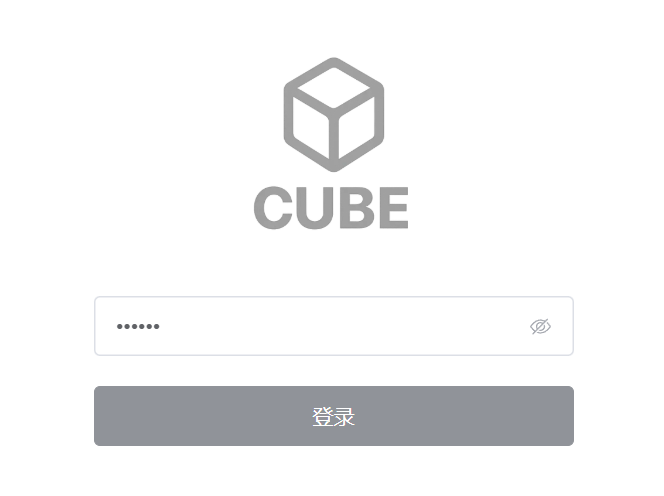
I was building a login page, though the project did not have a real back-end login endpoint. It had no accounts at all: requests were authorized by putting a key in their headers.
So the login page only needed one field for the key.
Feature Design
I wanted two features:
- Save the key locally and automatically fill the input with it. If someone visits the login page again, they can click Log in without typing it again.
- Disable the login button when the input is empty.
I used <el-button>, so the disabled state came from its :disabled prop.
The First Design
Since the key needed local persistence, the obvious approach was localStorage. Calling it directly everywhere did not feel elegant, so the project had a use-api-key.ts composable to manage this one piece of storage:
import { useStorage } from "@vueuse/core";
export const API_KEY_STORAGE_KEY = "xxxxxxxxxxxxxxxxx";
export const useApiKey = () => { const apiKey = useStorage(API_KEY_STORAGE_KEY, ""); return apiKey;};useStorage is a VueUse helper that creates a localStorage entry named API_KEY_STORAGE_KEY. The login page could then stay pleasantly small:
<template> <el-input v-model="apiKey" /> <el-button :disabled="apiKey.length <= 0" @click="handleConfirmAPIKey"> Log in </el-button></template>
<script setup lang="ts">const apiKey = useApiKey();</script>Any page that needed the key could call the same composable and get a tidy apiKey variable.
The Problem
Of course, the first design had a problem. Its advantages were clear: little code and a comfortable API. But the <el-button> :disabled prop did not update as I expected.
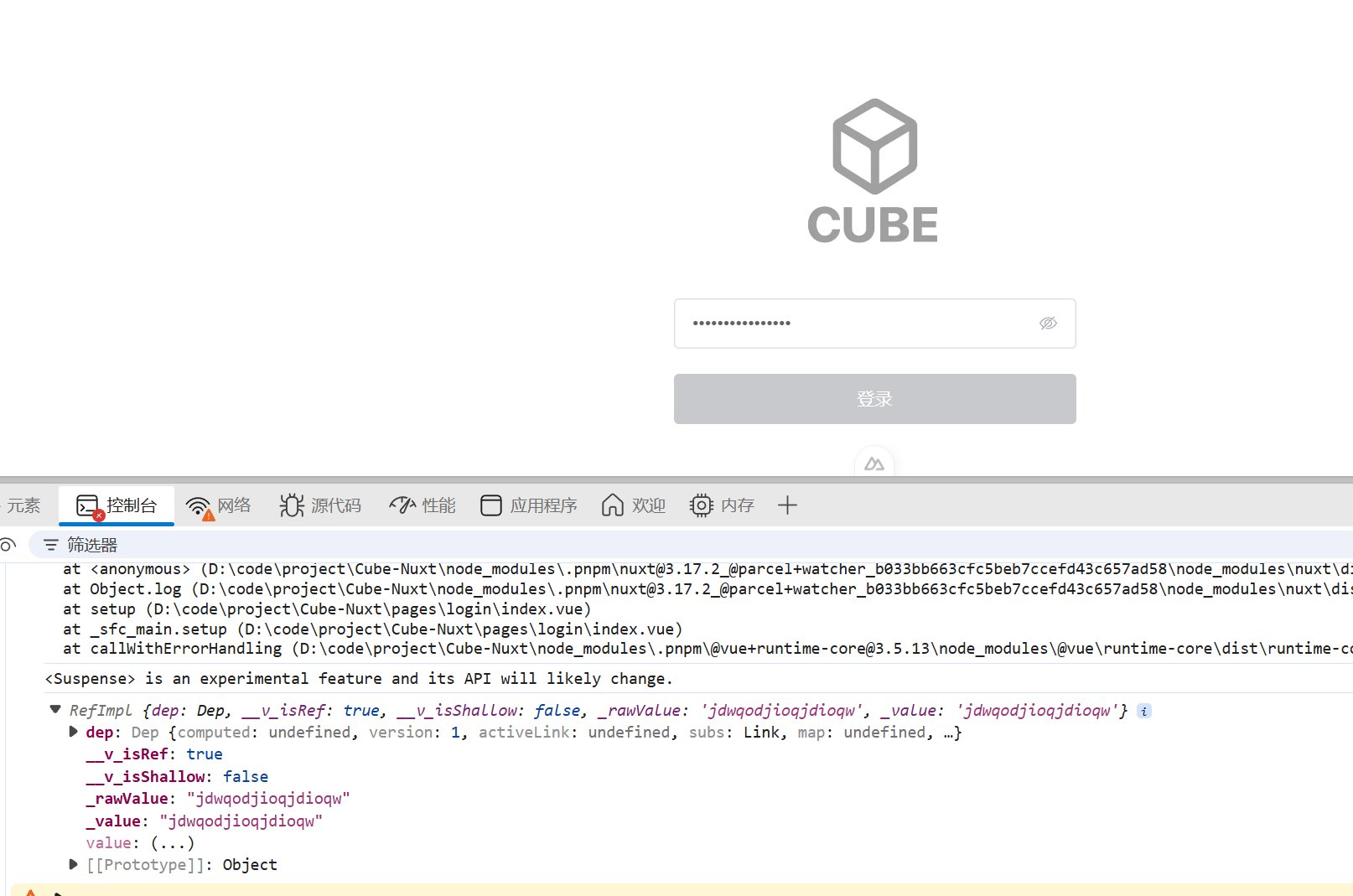
When I entered the page with an existing cached apiKey, or refreshed it, the input contained text but the button was still disabled.
The Fix
At first, I used a simple and brute-force solution.
The Brute-Force Solution
<template> <el-input v-model="apiKey" /> <el-button :disabled="isDisabled" @click="handleConfirmAPIKey"> Log in </el-button></template>
<script setup lang="ts">const apiKey = useApiKey();const isDisabled = ref();
onMounted(() => { isDisabled.value = apiKey.value.length <= 0;});
watch(apiKey, () => { isDisabled.value = apiKey.value.length <= 0;});</script>I manually repaired the state that was not refreshing. onMounted runs after apiKey initialization, and watch kept isDisabled synchronized with apiKey afterwards.
The Actual Fix, Written on 2025-11-11
After a senior developer pointed it out, I opened the console and saw this error:
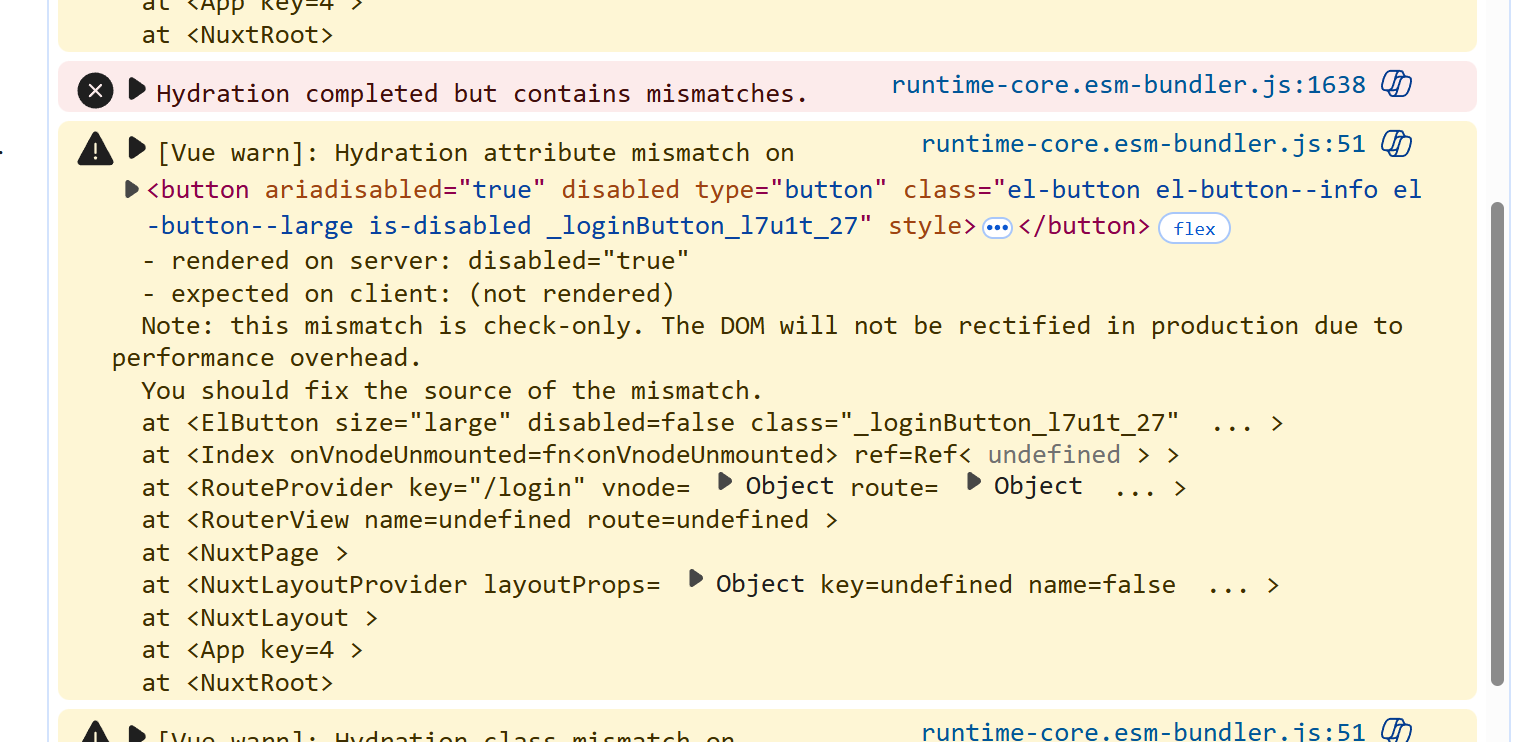
It was a hydration problem.
During server-side rendering, the button was rendered as disabled=true, because the server could not read the browser’s saved key. When the browser ran the application, it saw the cached key and rendered disabled=false. The server and client results did not match, so Vue reported a hydration error.
I modified the code to verify that theory:
import { useStorage } from "@vueuse/core";
export const useApiKey = () => { const apiKey = useStorage<string>(API_KEY_STORAGE_KEY, "", undefined); console.log("Rendering useApiKey", apiKey.value ? "apiKey has a value" : "apiKey is empty"); return apiKey;};<!-- login.vue; template omitted --><script setup>import { useApiKey } from "~/composables/use-api-key";
const apiKey = useApiKey();
onMounted(() => { console.log("login onMounted", apiKey.value ? "apiKey has a value" : "apiKey is empty");});</script>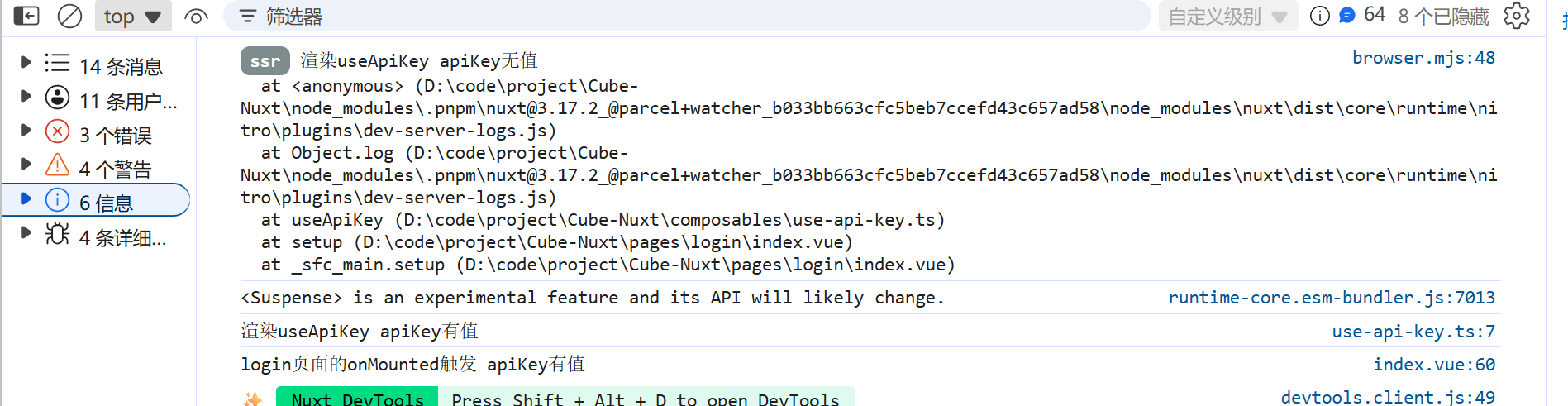
This makes the situation clear: the SSR stage cannot read the key from localStorage, while the client can. The order is:
Server render -> client render -> page mounted (
onMounted)
VueUse provides the initOnMounted option for this situation. Let us add initOnMounted: true to useStorage:
import { useStorage } from "@vueuse/core";
export const useApiKey = () => { const apiKey = useStorage<string>(API_KEY_STORAGE_KEY, "", undefined, { initOnMounted: true, }); console.log("Rendering useApiKey", apiKey.value ? "apiKey has a value" : "apiKey is empty"); return apiKey;};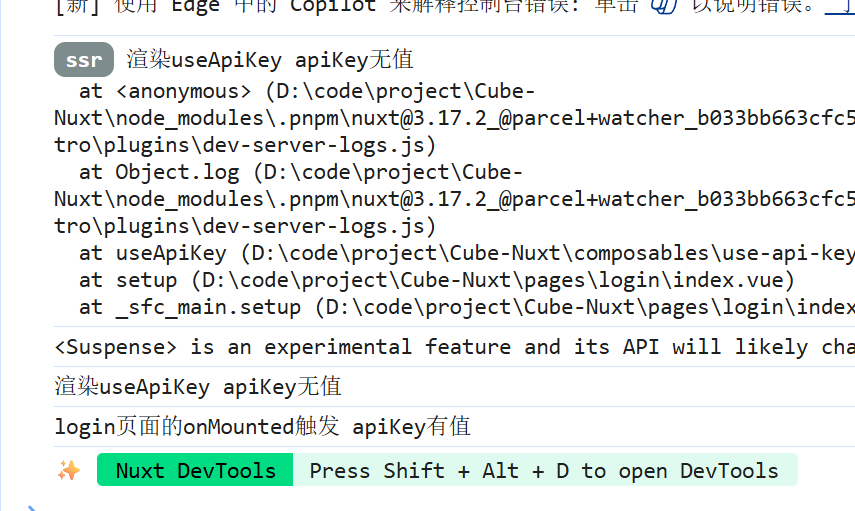
Now the client also does not read apiKey during its initial render. This option delays the storage read until the component is mounted.
As a result, both the server render and the initial client render see an empty string. Both render :disabled as true, so there is no hydration mismatch. After mounting, the code checks whether localStorage has a key and enables the button when it does.
The logic is clear, the code is still tidy, and everything works.